How to convert PDF files in your browser

Joseph HuLast reviewed September 4, 2026
Quick answer
Use your browser's Print dialog to create a PDF. For converting existing PDFs, Adobe Acrobat is the safest default; compare Smallpdf if you want something simpler.
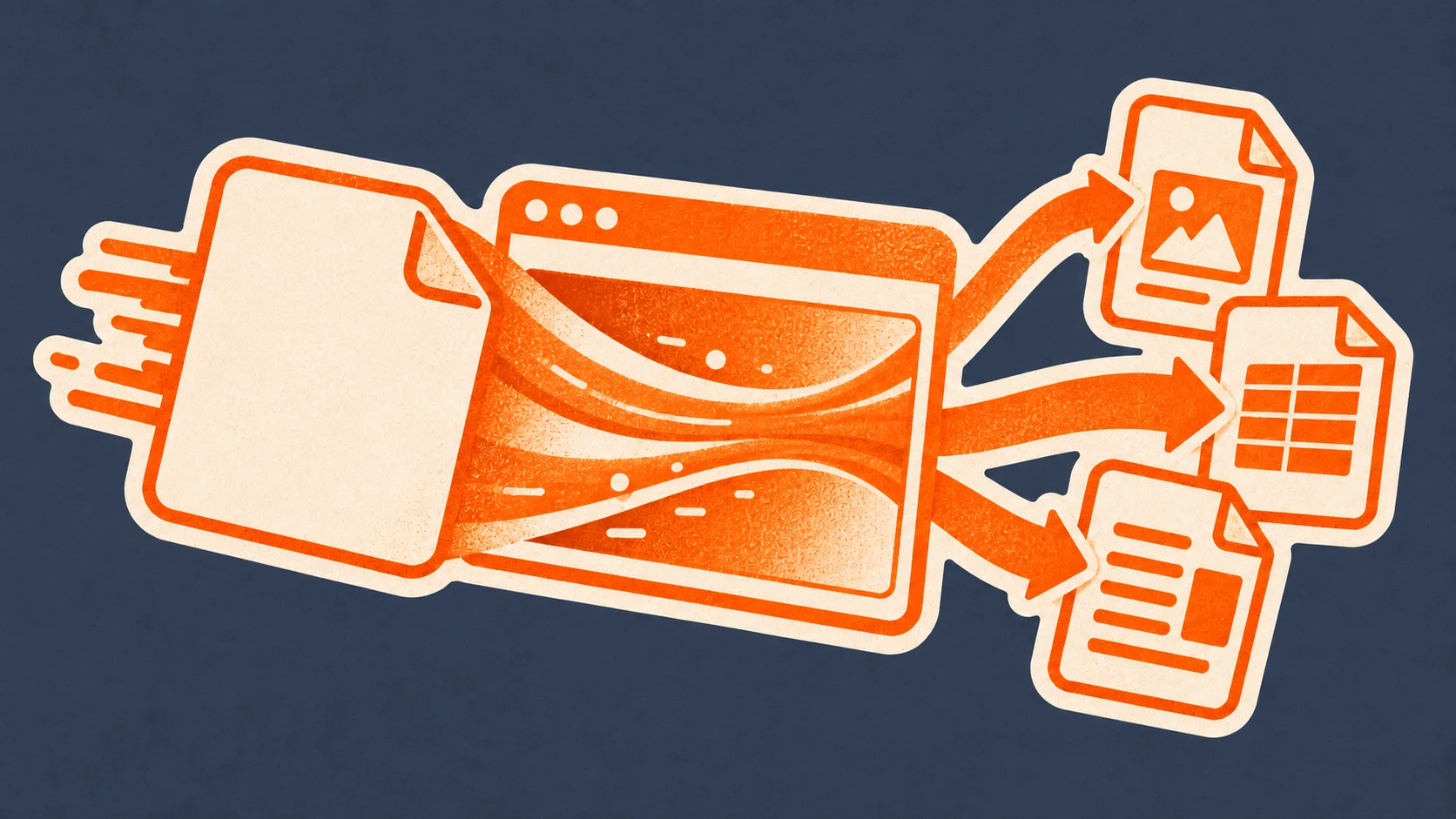
A PDF is easy to share but awkward to edit. The useful question is not simply how to “convert a PDF”; it is whether you need editable text, a spreadsheet, an image, or a smaller file. Browser tools can handle these everyday jobs without a desktop installation, but scanned documents and complex layouts may still need OCR or a paid plan.
Use your browser when you only need to create a PDF
If the source is a webpage or document you can already print, the browser's print dialog can create a PDF without uploading the file to another service.
- 1Open the webpage or document and choose Print.
- 2Select Save as PDF as the destination.
- 3Choose the pages, orientation, margins, and background settings you need.
- 4Save the new PDF to your device.
This works for creating a PDF, not for turning an existing PDF into Word, Excel, PowerPoint, or an image. For those jobs, a dedicated extension is faster.
Convert PDFs to Word, Excel, PowerPoint, or images
Office conversion depends on layout recognition, while image conversion is mainly about preserving what the page looks like. Adobe Acrobat and Smallpdf both cover these outputs, but they suit different workflows.
Adobe Acrobat
Choose Adobe Acrobat when the PDF is part of a document workflow rather than a one-off format change. It keeps viewing, comments, form filling, signatures, compression, and conversion close to the file already open in the browser.

- Users
- 331M
- Rating
- 4.4★
- Reviews
- 63.2K
The extension can open local and web PDFs, add comments, fill and sign forms, and launch tools for converting to and from Word, Excel, PowerPoint, JPG, and other formats.
- Converts PDFs to and from common Office and image formats.
- Adds free viewing, comments, form filling, and signatures.
- Includes tools for merging, splitting, organizing, and compressing PDFs.
Trade-offs
- Premium conversion and editing features may require a paid Acrobat plan.
- The extension handles location and user-activity data according to its store disclosure.
Smallpdf
Smallpdf is a better fit when you want a straightforward set of online utilities and do not need Acrobat's wider document ecosystem. It is especially convenient for switching among conversion, compression, and page tools.

- Users
- 2M
- Rating
- 4.6★
- Reviews
- 3K
The extension opens Smallpdf tools for editing, compressing, converting, merging, splitting, signing, organizing, and summarizing PDFs.
- Converts between PDF, Word, Excel, PowerPoint, JPG, and other common formats.
- Combines conversion with compression, page organization, and e-signing.
- Opens its toolset from a PDF already displayed in the browser.
Trade-offs
- Unlimited use, stronger compression, OCR, and batch processing belong to the Pro plan.
- Online processing may not suit confidential files governed by strict data-handling rules.
Compress, combine, or sign a PDF before sharing it
Sometimes conversion is only one step in a larger document task. Choose a broader PDF toolbox when you also need to reduce the file size, rearrange pages, fill a form, or request a signature.
Smallpdf
Smallpdf is a better fit when you want a straightforward set of online utilities and do not need Acrobat's wider document ecosystem. It is especially convenient for switching among conversion, compression, and page tools.
- Users
- 2M
- Rating
- 4.6★
- Reviews
- 3K
The extension opens Smallpdf tools for editing, compressing, converting, merging, splitting, signing, organizing, and summarizing PDFs.
- Converts between PDF, Word, Excel, PowerPoint, JPG, and other common formats.
- Combines conversion with compression, page organization, and e-signing.
- Opens its toolset from a PDF already displayed in the browser.
Trade-offs
- Unlimited use, stronger compression, OCR, and batch processing belong to the Pro plan.
- Online processing may not suit confidential files governed by strict data-handling rules.
Adobe Acrobat
Choose Adobe Acrobat when the PDF is part of a document workflow rather than a one-off format change. It keeps viewing, comments, form filling, signatures, compression, and conversion close to the file already open in the browser.
- Users
- 331M
- Rating
- 4.4★
- Reviews
- 63.2K
The extension can open local and web PDFs, add comments, fill and sign forms, and launch tools for converting to and from Word, Excel, PowerPoint, JPG, and other formats.
- Converts PDFs to and from common Office and image formats.
- Adds free viewing, comments, form filling, and signatures.
- Includes tools for merging, splitting, organizing, and compressing PDFs.
Trade-offs
- Premium conversion and editing features may require a paid Acrobat plan.
- The extension handles location and user-activity data according to its store disclosure.
Compare the solutions
Need
Office documents and forms
- Recommendation
- Adobe Acrobat
- Why
- Its browser extension connects conversion with viewing, commenting, filling, and signing.
- Keep in mind
- Advanced conversion and editing tools can require an Acrobat subscription.
Need
Simple everyday PDF tools
- Recommendation
- Smallpdf
- Why
- It puts conversion, compression, merging, splitting, and AI document tools in one compact browser entry point.
- Keep in mind
- Free use is limited and files are processed through an online service.
Store data comes from a daily crawl of the Chrome Web Store; rating trends are computed from the public review history. Recommendations are editorial judgements, last reviewed on , with store figures from .
Sources & verification
Product details and availability are checked against the official websites and Chrome Web Store listings listed below. These sources support factual product information; the recommendation itself is an editorial judgement.
- Adobe Acrobat — Chrome Web Store listing · Checked September 4, 2026
- Adobe Acrobat — Official website · Checked September 4, 2026
- Smallpdf — Chrome Web Store listing · Checked September 4, 2026
- Smallpdf — Official website · Checked September 4, 2026
Did this answer your question?